Recommended Order
New to the Blueprint? Watch the tutorials in this order — set up, run a month, then every planning and tracking tab.
One Sitting
Rather watch it all in one go?
The whole Blueprint in Google Sheets — about an hour — plus what to know if you use Sheets instead of Excel.
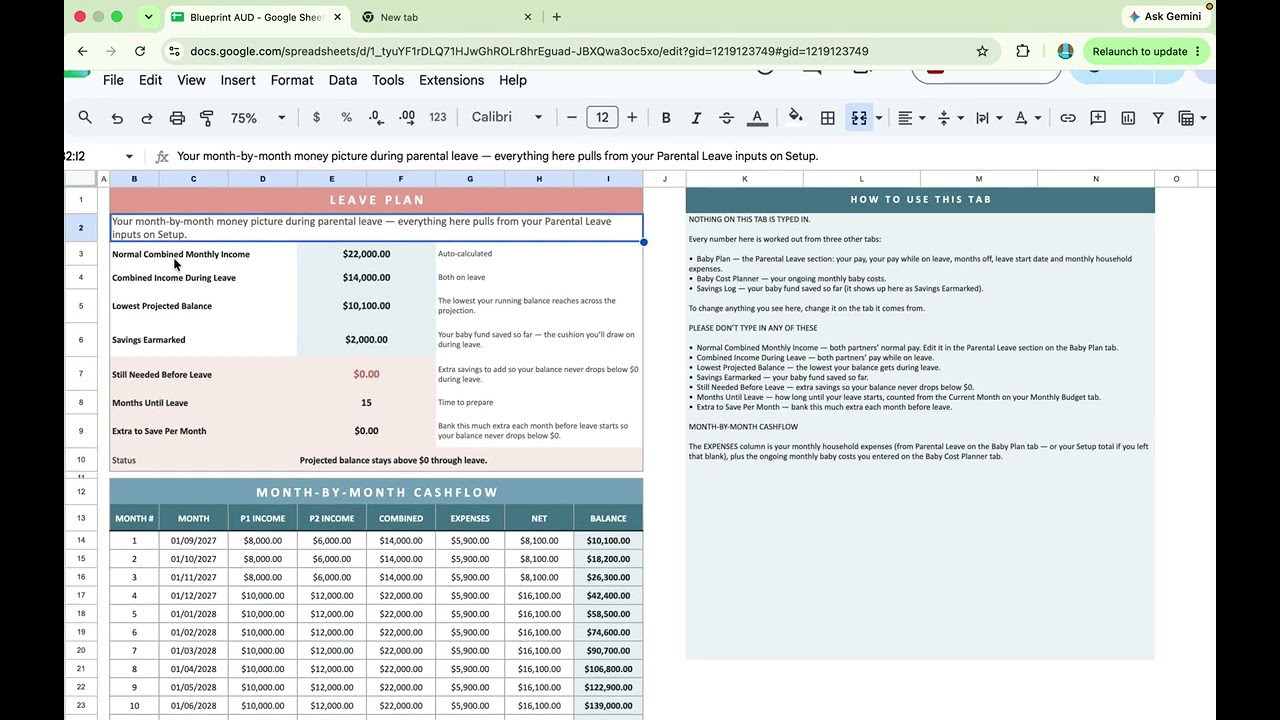
The Entire Workflow — Google Sheets
The whole Blueprint in one sitting, in Google Sheets: setting up, tracking a month, and reading every dashboard with real numbers as we go. Watch this if you'd rather follow along in one video than tab by tab.

Google Sheets — Things to Know
A short companion for Sheets users: the places Google Sheets behaves differently from Excel, and how to work with them — including why category names are changed on Setup, not on the dashboards.
Step by Step
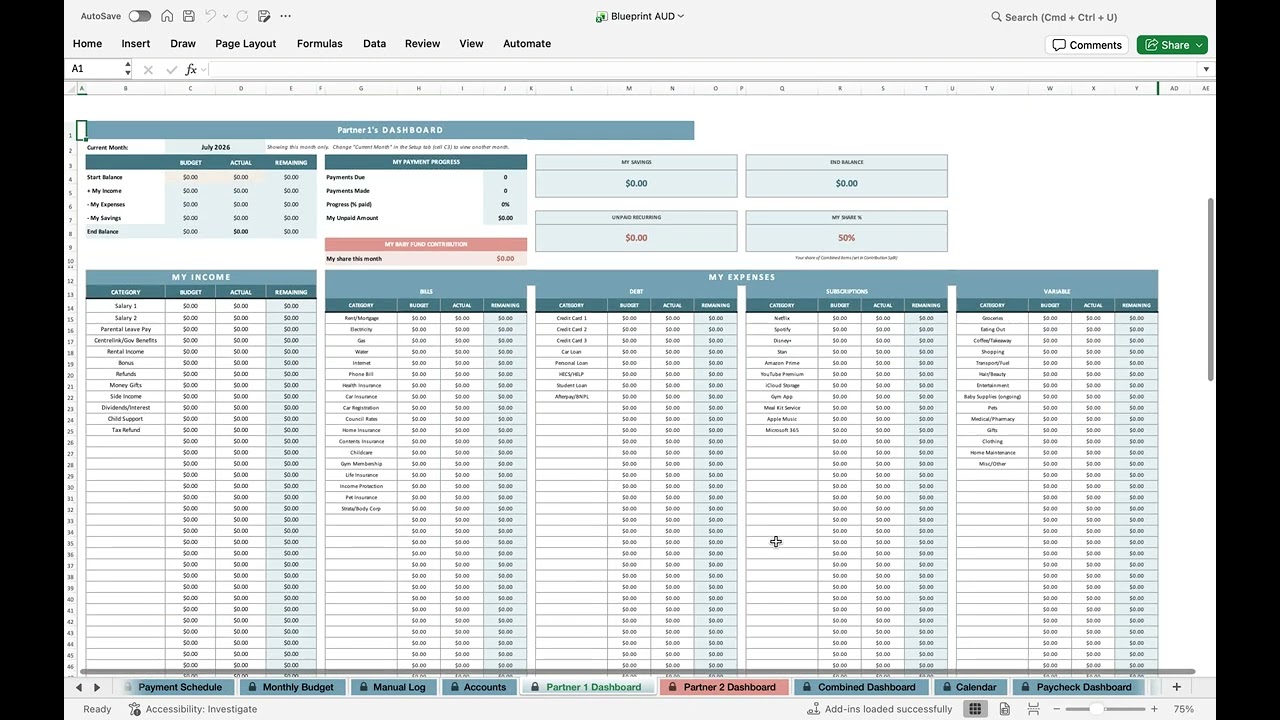
A Quick Tour of the Blueprint
A quick look through the planner — the tabs, the dashboards, and where everything lives.

Saving & Reopening Your Blueprint
Google Sheets saves every change automatically — here's how to get your Blueprint back open if the tab or window ever closes.
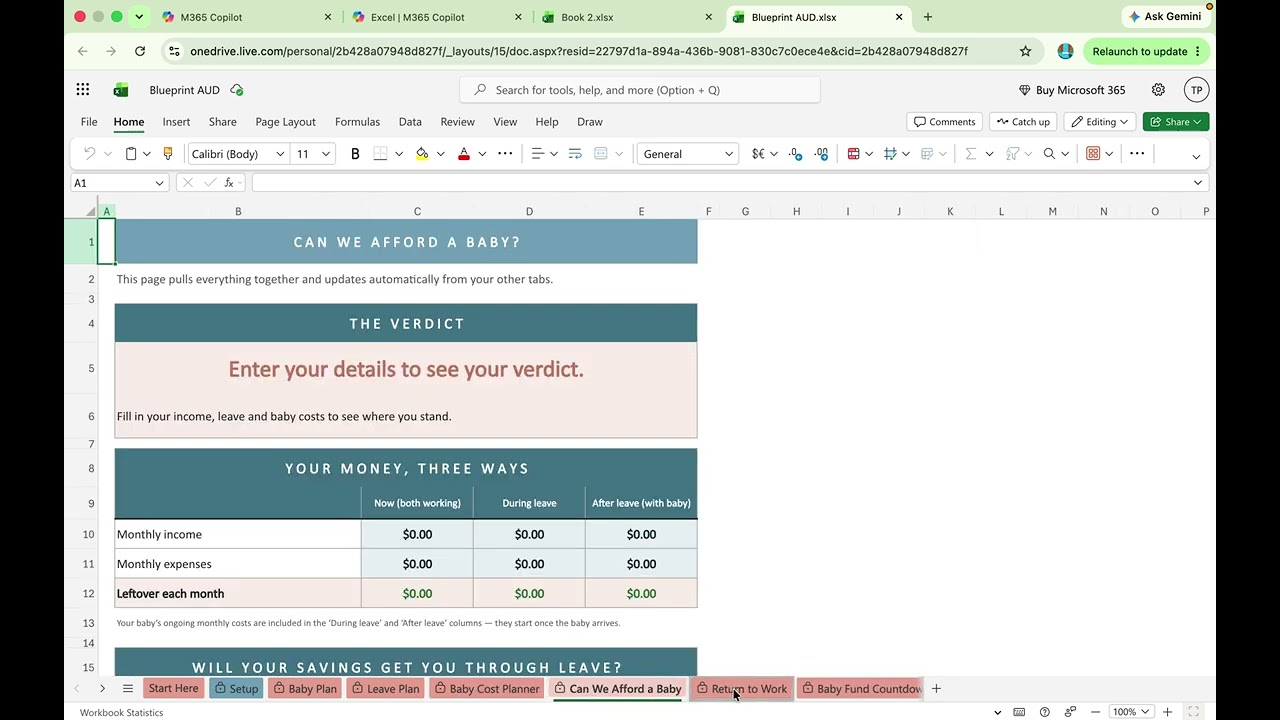
Opening Your Blueprint in Excel for the Web
How to open your Blueprint free in Excel for the web, using a Microsoft account.

Setting Up Your Blueprint
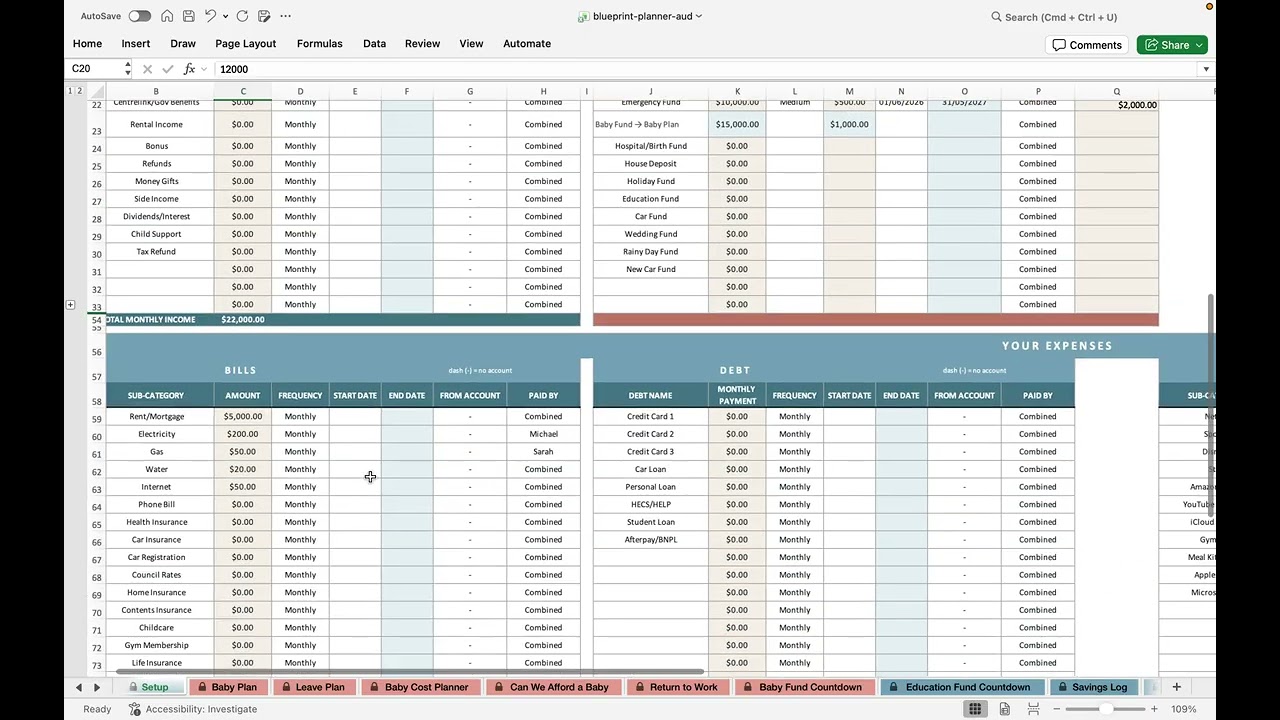
Enter your names, income, and expenses so the rest of the Blueprint works automatically.
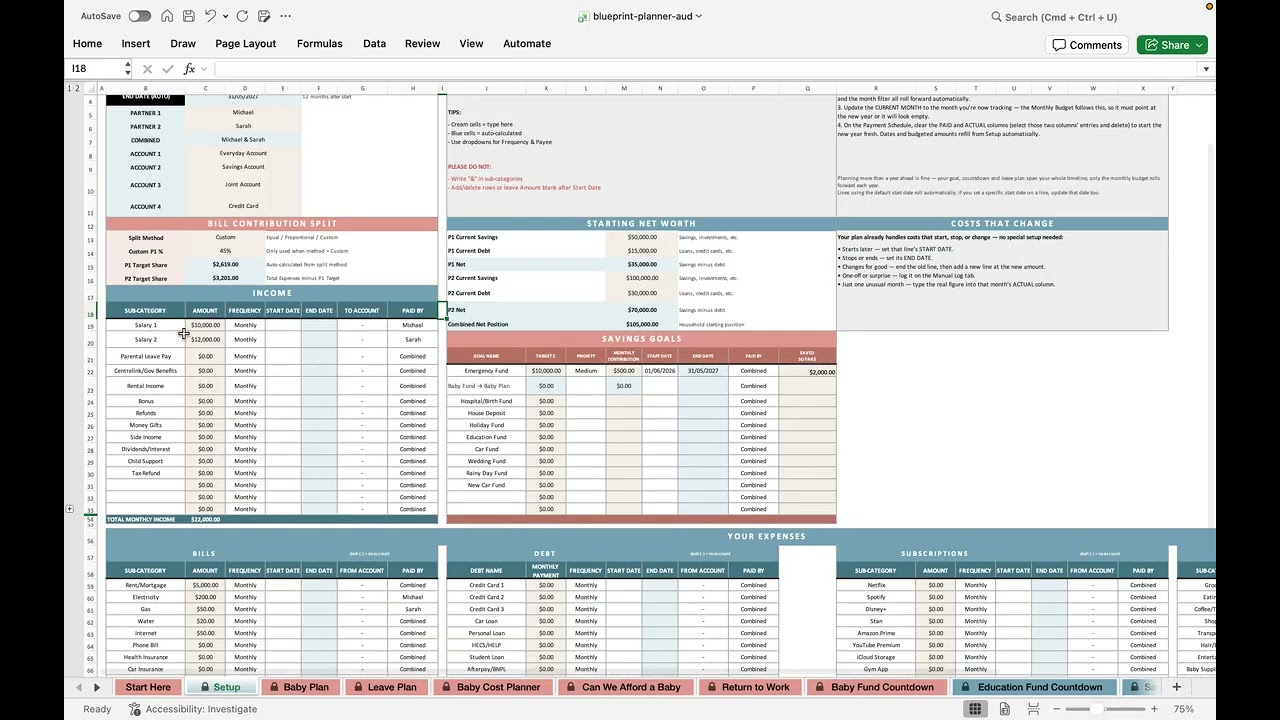
Payment Schedule
Understand the auto-populated transaction rows and how bills flow through.

Monthly Budget Dashboard
Compare budget vs actual spending across every category, month by month.

Manual Log, Accounts & Calendar
Record one-off spending in the Manual Log, keep your account balances current, and see every bill and payday on the Calendar.

Partner & Combined Dashboards
See individual and combined views of your finances at a glance.
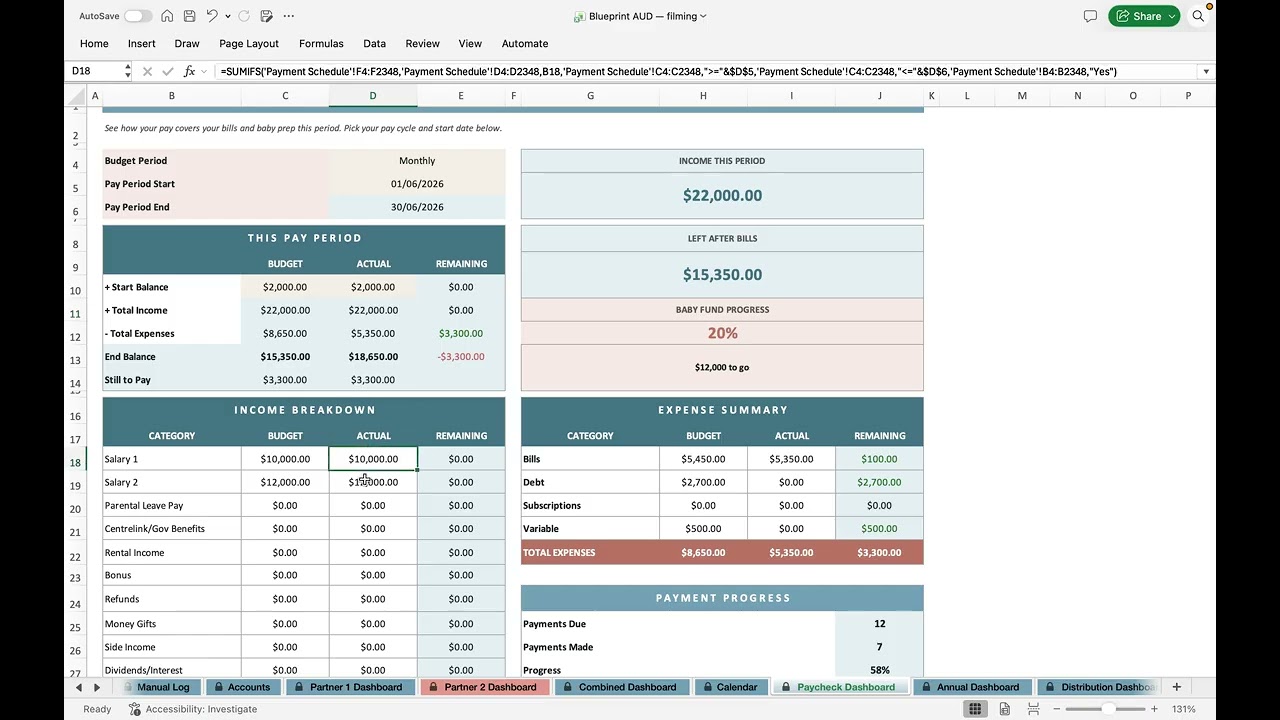
Paycheck, Annual & Distribution Dashboards
See one pay period at a time, the whole year at a glance, and where every dollar of a month goes between the two of you.

Needs vs Wants Dashboard
Classify spending, track the 50/30/20 benchmark, and spot trends over 12 months.
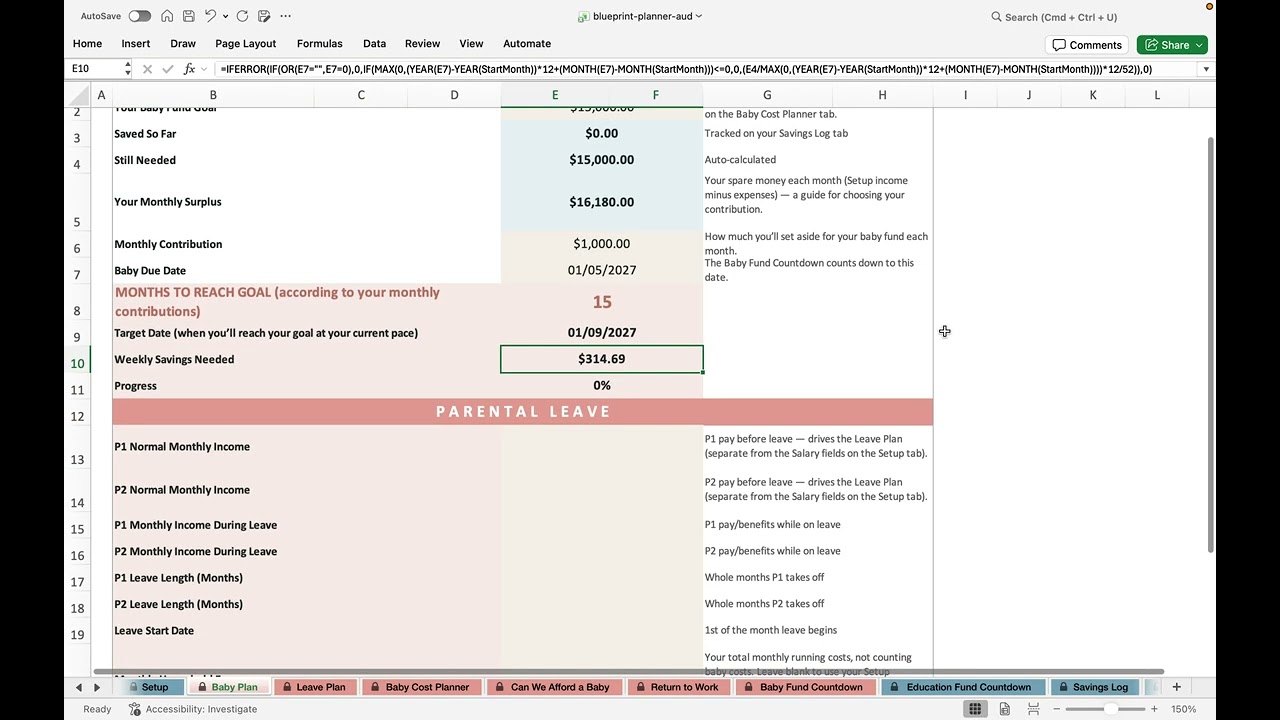
The Baby Plan Tab
Set your baby fund goal and map out parental leave so you know what you're working toward.

Planning Parental Leave
Walk through the 25-month cashflow view and see how your income changes on leave.
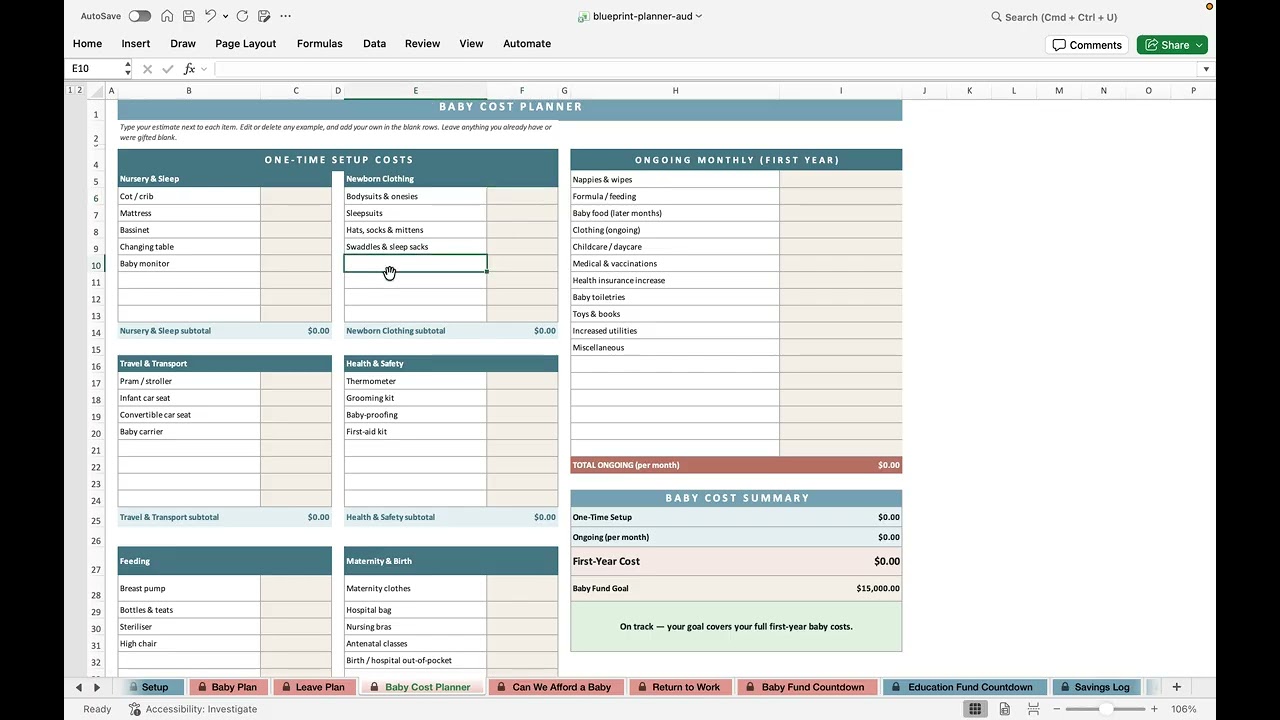
Baby Cost Planner
Add one-time and ongoing baby expenses to get a realistic picture of first-year costs.
Can We Afford a Baby?
A plain-words verdict, your money three ways, and whether savings get you through leave.

Return to Work Calculator
Model childcare costs and work expenses to see your real net benefit.

Baby Fund Countdown
Set your due date and watch the savings countdown adjust week by week.

Using the Savings Log
Track every deposit so you can see your progress toward your baby fund goal.

Savings Goals Log
Log deposits to every other savings goal — emergency fund, house deposit, holidays — and watch Setup and your dashboards update.

Education Fund Countdown
Plan long-term education savings with built-in pacing and fund summaries.
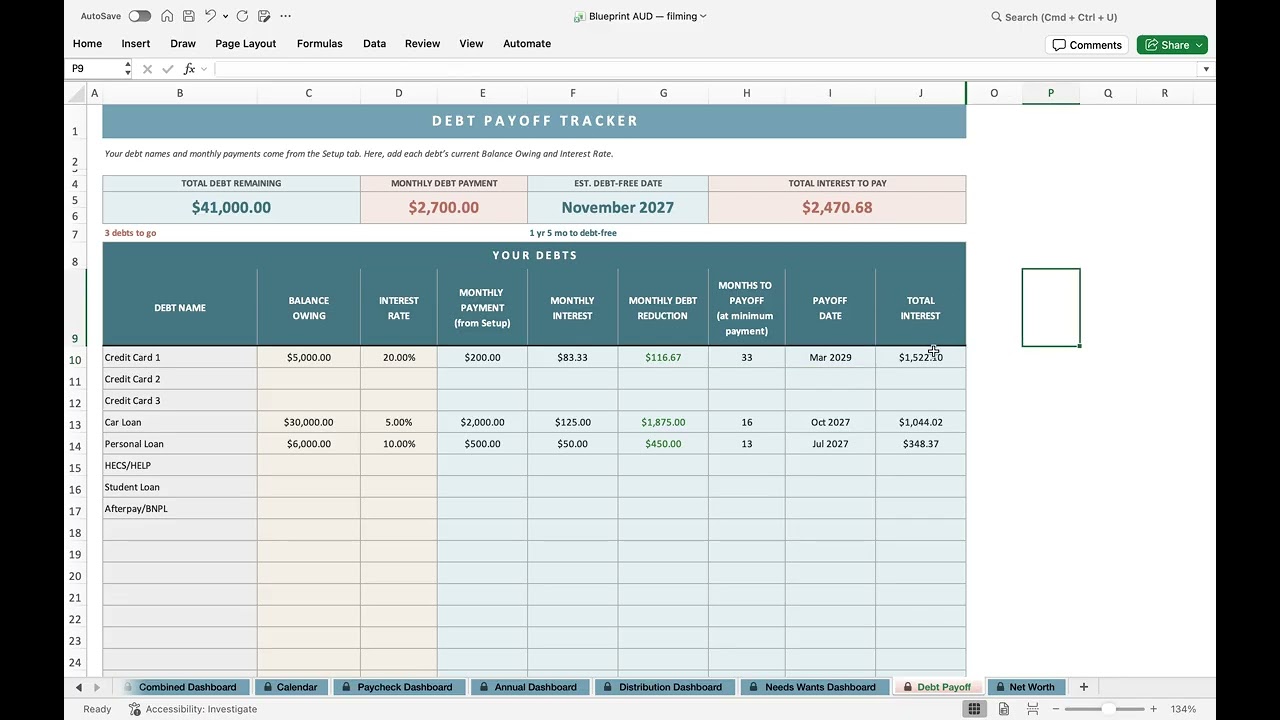
Debt Payoff Tracker
Set up your debts and compare avalanche vs snowball strategies side by side.
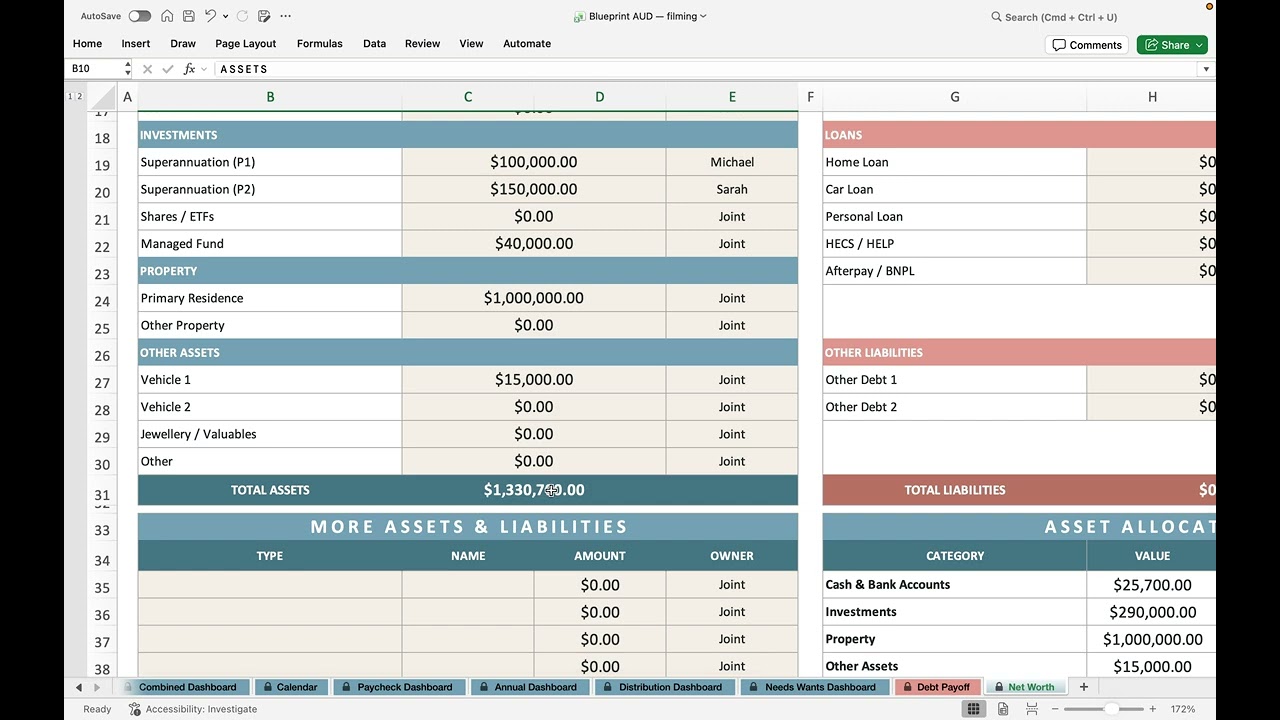
Net Worth Tracker
Add your assets and liabilities to see where you stand — and watch it grow.

Changing Months & Starting a New Year
Move through your planner month by month with one cell, then roll it into a brand-new year in four steps — without losing a single actual.