Getting Started
First steps — a quick tour, saving your work, and entering your details.
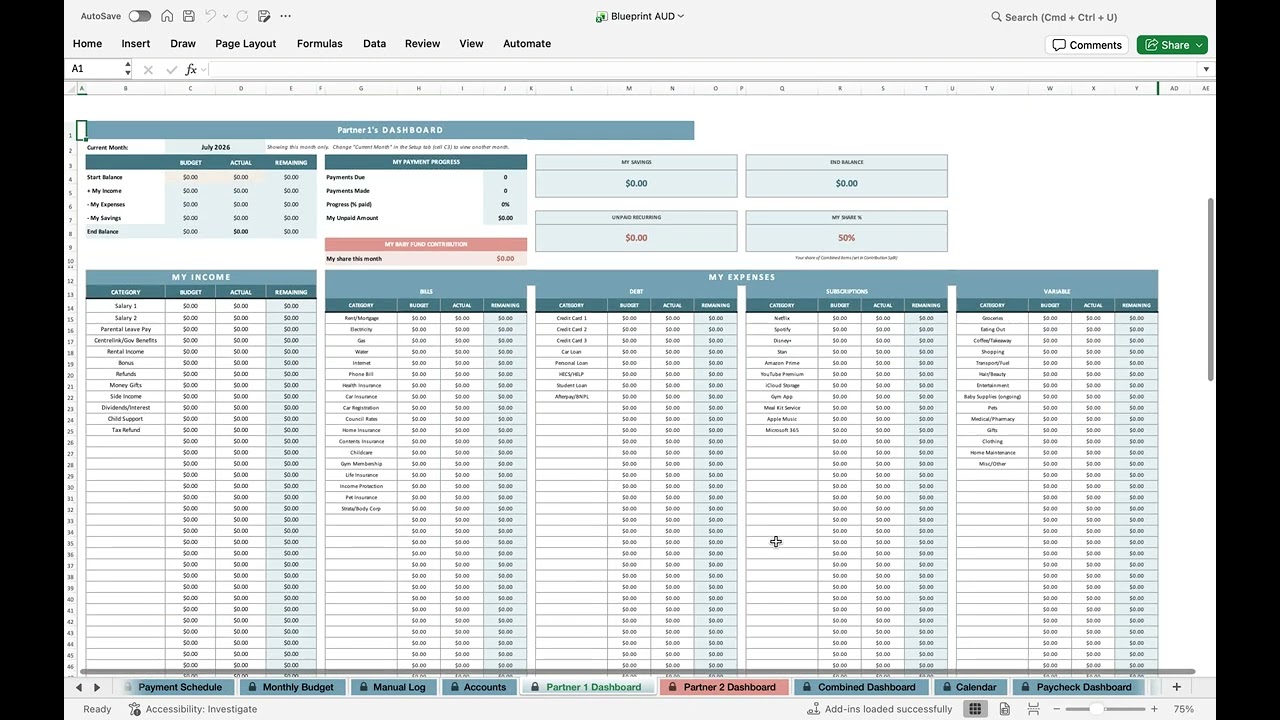
A Quick Tour of the Blueprint
A quick look through the planner — the tabs, the dashboards, and where everything lives.

Saving & Reopening Your Blueprint
Google Sheets saves every change automatically — here's how to get your Blueprint back open if the tab or window ever closes.

Setting Up Your Blueprint
Enter your names, income, and expenses so the rest of the Blueprint works automatically.
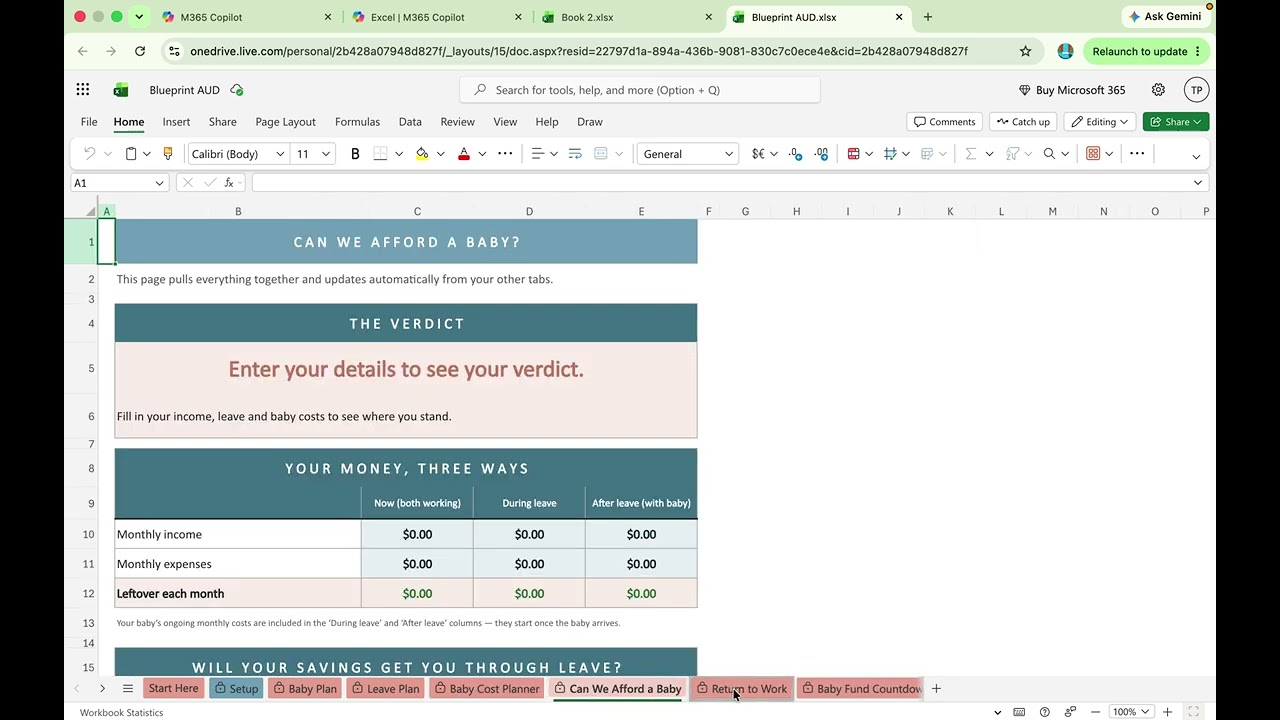
Opening Your Blueprint in Excel for the Web
How to open your Blueprint free in Excel for the web, using a Microsoft account.